Learn the tool
A clear demonstration introduces one new Fusion skill.
Ten-Week 3D Modeling Course
A hands-on course where children use Autodesk Fusion to transform their own ideas into real objects they can hold, play with, and take home.
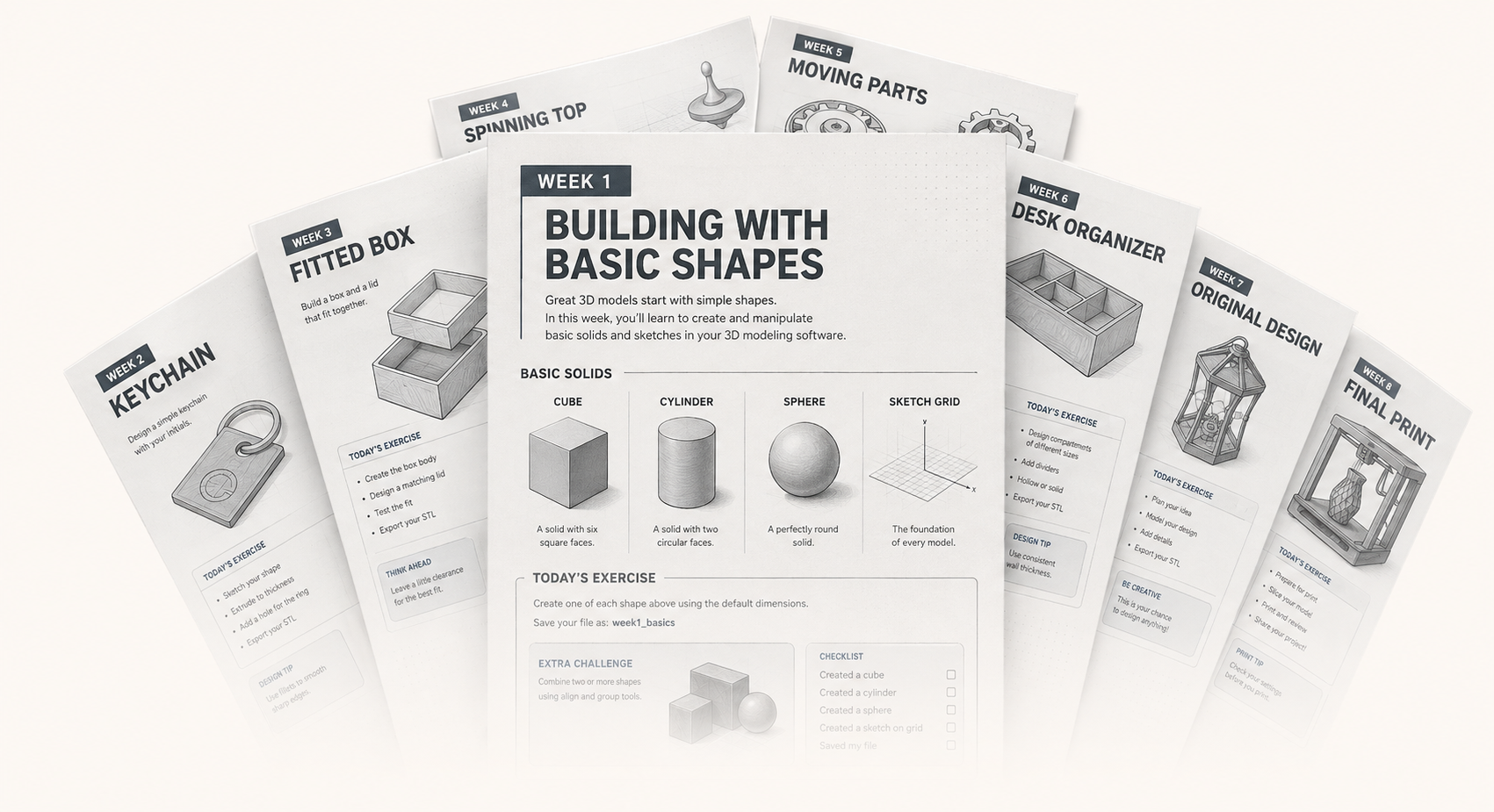
10 weeks · 10 printable creations
Explore the course
Every class is built to fit a real 60-minute session. Students learn one focused Fusion skill, use it in a guided project, and finish by making creative choices that turn the design into their own.
Printing happens after class, so the full session stays focused on designing, testing, improving, and preparing a successful model.
A clear demonstration introduces one new Fusion skill.
Students follow guided steps while solving real design problems.
Personalize, check, save, and submit the model for printing.
What they build and develop
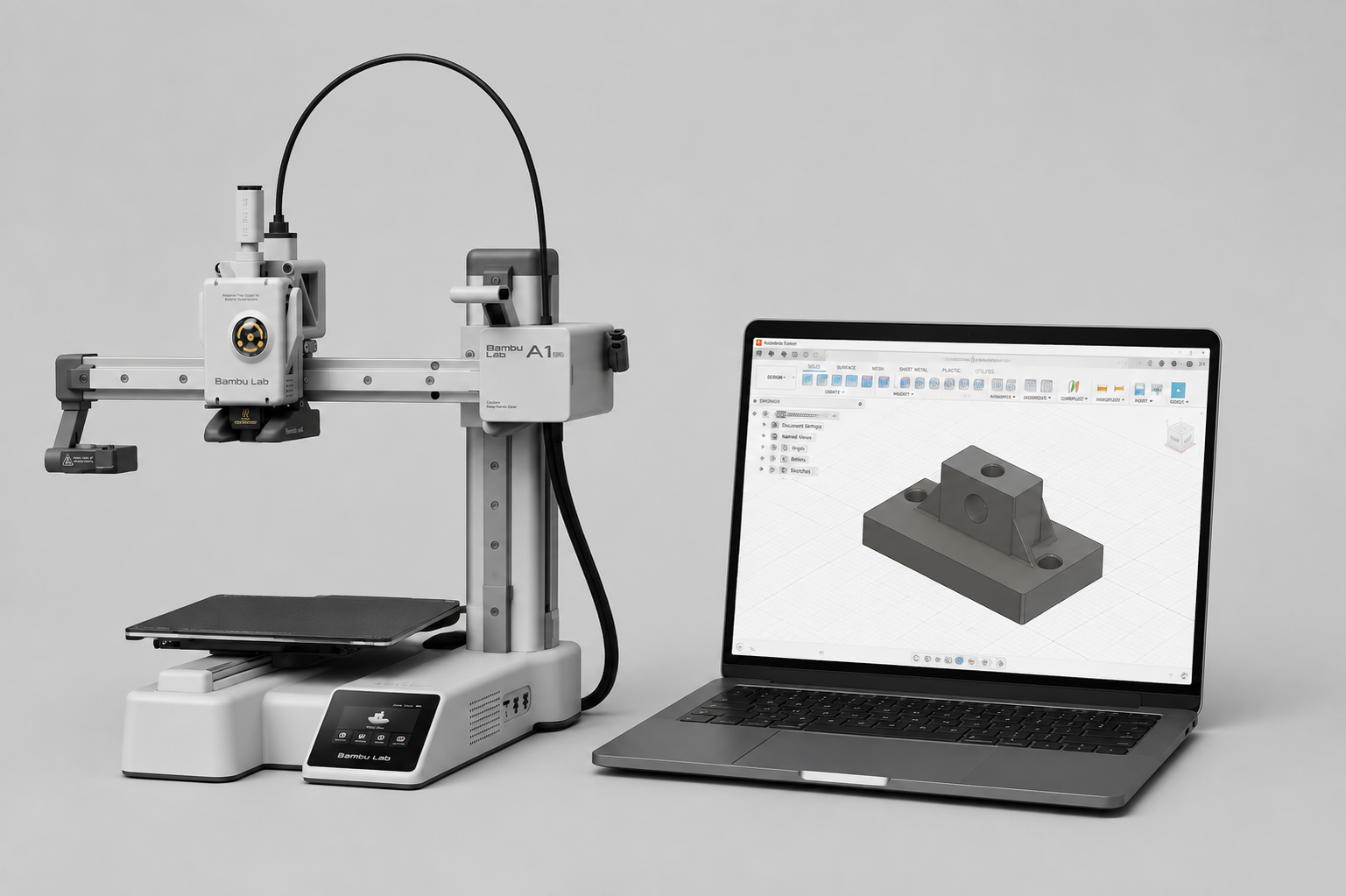
Autodesk Fusion gives students a practical way to turn measurements and ideas into printable designs. The final car body, weekly prints, and skills below show that process.
The course ends with a complete car body designed around the real measurements of a classroom RC chassis.
Students shape the body, check how it fits, and add windows, headlights, vents, spoilers, racing numbers, and personal details.
The model combines sketching, dimensions, solid forms, clearances, curves, separate parts, and preparation for 3D printing.
Students create a new model each week, from a mini rocket and robot character to a working maze, secret box, and interlocking puzzle.
Printing happens after class so the session stays focused on designing. Finished prints give students a real result they can hold, test, use, and take home.
Seeing a model become a physical object shows why measurements, clearances, shape, and careful preparation matter.
Understand how separate views and shapes form one complete object.
Use dimensions, spacing, thickness, and clearances so parts fit.
Work with sketches, extrusions, cuts, revolves, fillets, and patterns.
Identify what may not print or fit correctly and make purposeful adjustments.
Change proportions, features, patterns, and details to personalize each design.
Ready to begin?
Ten weeks of designing, experimenting, and turning original ideas into real 3D-printed creations.